How to Make a Growing-Up Video: From Baby Photos to Today
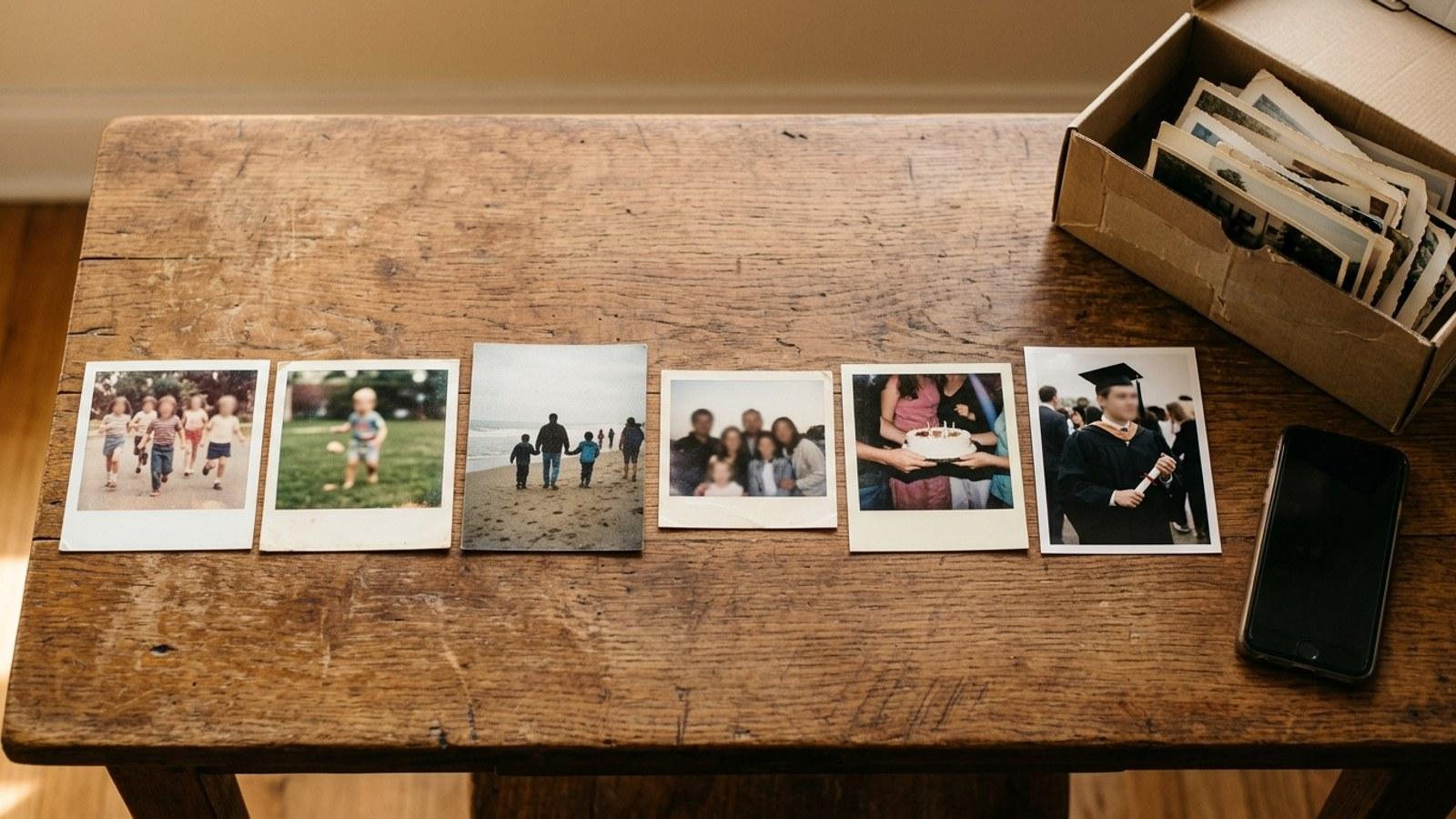
A growing-up video follows one person through the years: a baby photo, a first day of school, an awkward teenage haircut, and finally the person as they are today. It is the film people play at graduations, 18th and 21st birthdays and weddings, and it is made almost entirely from photos the family already has.
Step 1: Gather one photo per year or two
You don’t need a photo from every year. For an 18-year-old, 12 to 18 photos is right. For an adult, one photo every two to five years covers a life without making the film long - see milestone birthday video ideas for a 60th or 80th. The hard part is finding them, because they are spread across phones, old computers, albums and relatives. Ask grandparents and siblings early. They often have photos the parents have never seen.
Step 2: Digitize the printed photos
Anything from before smartphones is probably a print. You can turn prints into good digital photos with a phone:
- Lay the print flat near a window, in daylight, with the flash off.
- Hold the phone directly above it, parallel to the print, to avoid distortion.
- Tilt slightly if you see glare on glossy paper, or take the photo out of its frame or sleeve.
- Crop away the table and the white border afterwards.
A free scanning app, or a flatbed scanner if you have one, gives cleaner results for the photos that matter most. There is more detail in how to scan old photos with your phone.
Step 3: Choose photos where the face is clear
The film works because the viewer watches one face change. Pick photos where the person is facing the camera, is the main subject, and is not hidden behind sunglasses or a hat. In group photos, crop in on them. A similar framing across the photos, such as head and shoulders, makes the change over time much easier to see.
Step 4: Put them in order by age
Sorting by date works for phone photos but not for scans, which carry the date they were scanned. Order those by hand. If you are unsure of a year, school uniforms, haircuts and missing teeth are reliable clues.
Step 5: Build the film
In a video editor, place the photos on a timeline and crossfade between them. For the effect of the person actually growing older, SunLap’s growing through life film makes a 5-second AI transition between each pair of photos. The face stays recognizable while hairstyle, build and clothing shift gradually to match the next photo. Thirteen photos make about a minute of film. The transitions are AI-generated, so treat them as an artistic picture of growing up and redo any that look off.
Step 6: Add music and decide where it plays
Choose a song that means something to the person, then pick the shape for the screen. Wide (16:9) is best for a projector or TV at a party. Vertical (9:16) is best if it will mostly be watched and shared on phones. Test it on the real screen before the day. There is more on showing it at an event in a growing through life video for a bar mitzvah or birthday party.
Common questions
How many photos do you need for a growing-up video?
For an 18-year-old, 12 to 18 photos is right. For an adult, one photo every two to five years. Each photo after the first adds about 5 seconds, so 13 photos make about a minute.
What if most of the photos are printed?
Photograph them with a phone in daylight, held flat above the print with the flash off. A scanning app or a flatbed scanner gives cleaner results for the most important ones.
How long should a growing-up video be for a party?
One to three minutes. Longer than that and people start talking over it.
Are the AI transitions real footage?
No. They are generated by AI from two photos, an artistic picture of the years passing, and they don’t always look natural. Preview each one and redo any that look off.
From the first photo to today
Upload the photos in age order and see the first transition for free.
Make a life film →