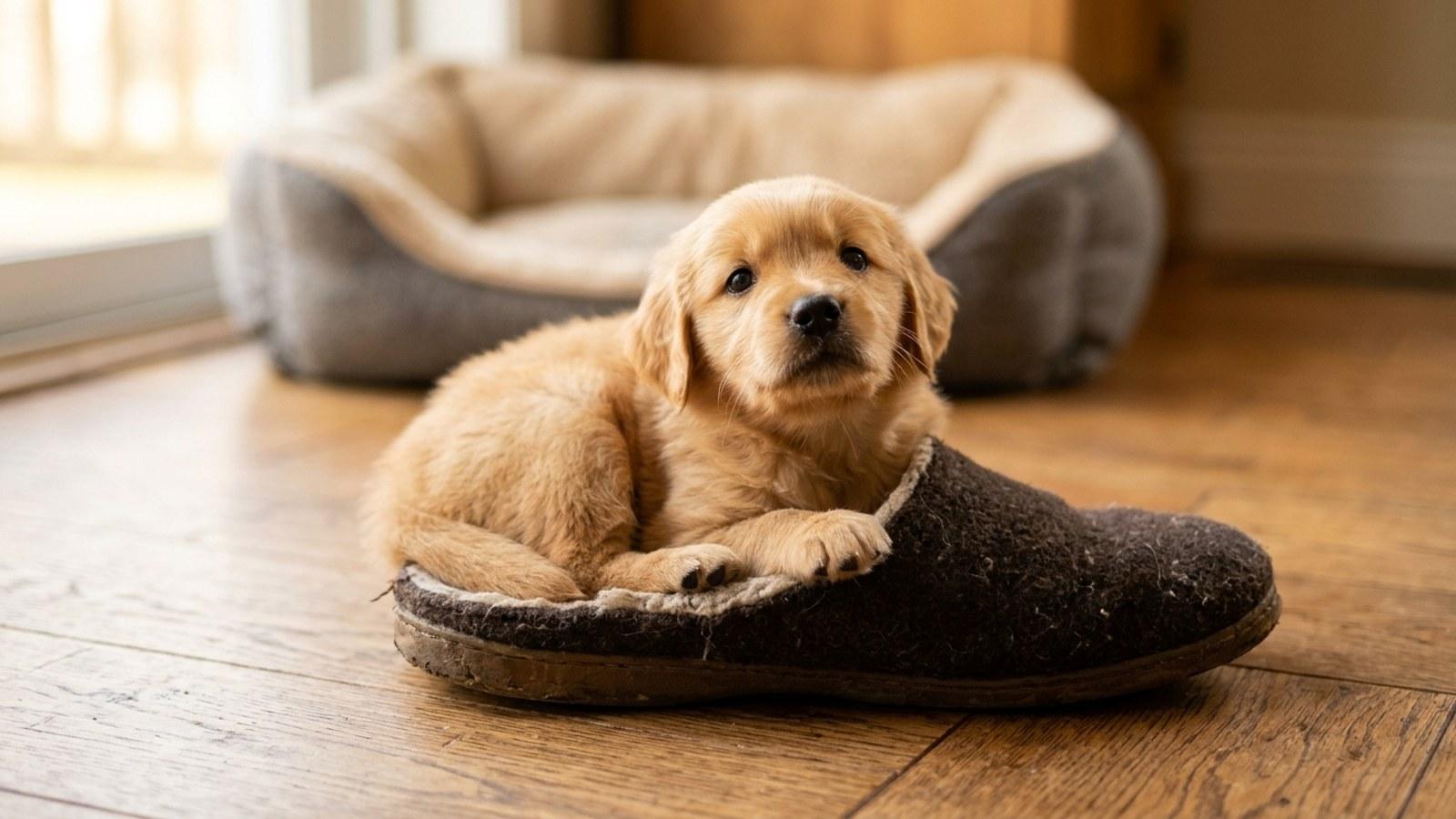
How to Make a Puppy or Kitten Growing-Up Video
Puppies and kittens grow faster than anyone expects. A puppy can double in size in a few weeks, and by six months the tiny animal you brought home is hard to remember. A growing-up video keeps it: a series of photos from the first day onwards, played in order so your pet appears to grow in front of you.
Step 1: Take photos on a schedule
Because young animals change so quickly, take a photo once a week for the first three or four months, then once a month until their first birthday. Set a repeating reminder on your phone. Missing a week is fine. What matters is that the photos are spread across the whole year and not bunched in the first weekend.
Step 2: Keep one thing the same
The growth is easiest to see when something in the frame stays constant. Pick one and stick with it:
- The same spot: their bed, a particular chair, the same step by the door.
- The same object for scale: a favorite toy, a shoe, a food bowl.
- The same framing: the whole body, taken from the side or the front.
A puppy that fits inside a slipper in the first photo and stands over it in the last one tells the whole story. It’s the same idea as a baby growth video, on a faster clock.
Step 3: Get a photo they actually sit still for
- Get down to their eye level instead of shooting from above.
- Use daylight near a window. Flash startles animals and flattens their fur.
- Hold a treat or a squeaky toy just above the phone to get them to look at the camera.
- Take a burst of photos and keep the sharpest one.
- Try after a walk or a meal, when they are calm.
Already have a grown pet?
You can still make the film. Most people photograph a new pet constantly, so the photos are probably already on your phone. Search your photo library for your pet (most phones can find all photos of a dog or cat), then pick one from each month or two. Choose photos where the face and markings are clearly visible. Sorting them by date puts them in the right order.
Step 4: Turn the photos into a film
In a video editor, you can place the photos on a timeline and crossfade between them. To get the effect of the animal actually growing, SunLap’s pets film makes a 5-second AI transition between each pair of photos. Your pet’s markings, coat colors and face stay recognizable while their size and pose change gradually from one photo to the next. Thirteen photos make about a minute of film. If a transition looks off, you can redo it with a gentler or livelier motion.
Step 5: Add music and share it
Add a song and an opening title with their name. The first birthday or the anniversary of the day you brought them home - there are more Gotcha Day ideas here - is a good day to post it, or to send it to the breeder, shelter or foster family who knew them when they were small. They rarely get to see how the animals they cared for turn out. A film like this is also one of the better gifts for dog and cat lovers.
Common questions
How often should I take puppy growth photos?
Once a week for the first three or four months, then once a month until the first birthday. Puppies and kittens change fastest early on, so the weekly photos are the ones you’ll be glad you took.
How many photos does a pet growth video need?
About a dozen is enough for a one-minute film, since each photo after the first adds about 5 seconds. If you took weekly photos, pick the clearest one from every few weeks rather than using them all.
Does this work for cats and other pets?
Yes. Any animal whose face and markings are clear in the photos works - dogs, cats and other pets.
Is it too late if my pet is already grown?
No. Search your photo library for your pet, pick one photo from each month or two, and sort them by date.
Works for dogs, cats and other pets
Upload the photos in order and watch them grow. The first transition is free to try.
Make a pet film →