How to Make a Trip Video From Your Photos
Most trips end the same way: a few hundred photos on a phone, a handful posted, and the rest never looked at again. A short trip video fixes that. It takes the best photo from each stop and plays them back in order, so the whole trip fits in about a minute. You don’t need video footage to make one. Photos are enough.
Step 1: Pick one photo per stop
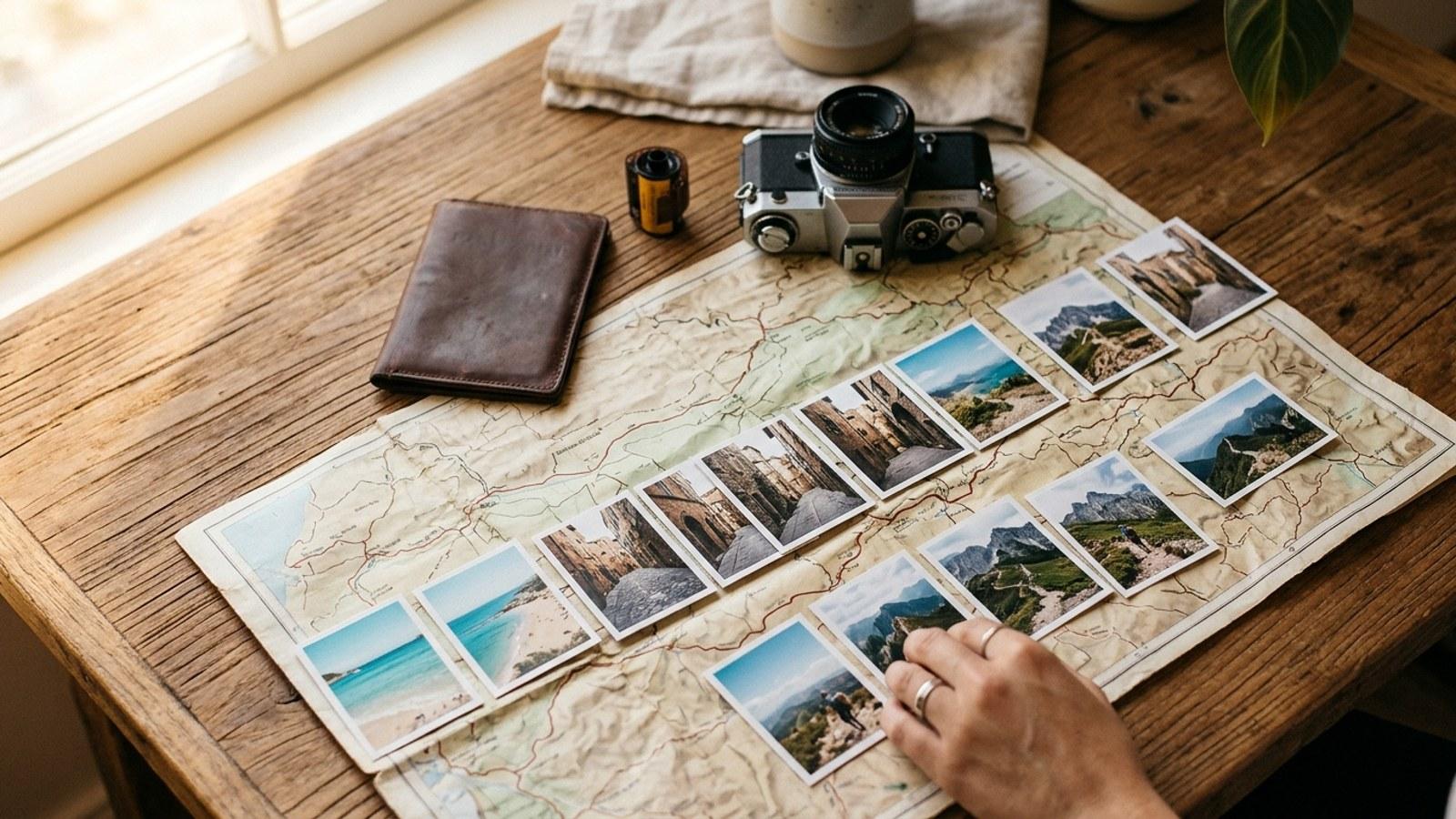
The mistake most people make is using too many photos. A trip video works when each photo is a new place, not five angles of the same view. Go through the camera roll and keep one photo for each stop or each moment that mattered. For a week away, 10 to 25 photos is plenty. If you want a different angle than the route, there are more travel video ideas from photos.
- Start with a departure photo: the packed bag, the airport, the car.
- Mix wide views with a few photos that have people in them.
- Prefer photos with a clear subject and good light over technically busy ones.
- End with the last evening or the trip home, so the film has a real ending.
Step 2: Put them in the order you traveled
Chronological order is almost always right, because the film then follows the route. Phone photos carry the date and time they were taken, so sorting by date does most of the work. If photos came from two phones, check the order by hand where the days overlap.
Step 3: Choose the shape before you edit
Decide where the film will be watched first. Vertical (9:16) suits Instagram, TikTok and phone screens. Wide (16:9) suits a TV or a laptop. Square is a safe middle if the photos are a mix of portrait and landscape. Picking the shape early matters because every photo gets cropped to it, and a landscape view cropped to vertical can lose the thing you took the photo for.
Step 4: Connect the photos
There are two ways to turn the ordered photos into a film.
The first is a classic slideshow in a video editor such as iMovie or CapCut: drop the photos on a timeline, set each to three or four seconds, and add a crossfade between them. It is free and it works, but the result reads as a slideshow.
The second is an AI transition between each pair of photos, where one place appears to transform into the next: the beach turns into the old town, the old town into the mountain road. This is what SunLap’s trip film does. Each pair of photos becomes one 5-second transition, so 13 photos make about a minute of film. If the same person appears in both photos, they stay recognizable while the scene changes around them.
Step 5: Add music and a title
Music carries a trip film. A song you listened to on the trip is the best choice for a film you share privately. If you plan to post it publicly, use a track you are allowed to use, such as the platform’s own music library. An opening title with the place and the year is worth adding too. In ten years it is the first thing you will want to know.
Step 6: Share it with the people who were there
Send the finished film to everyone who was on the trip. A private link works better than a large file in a group chat, since anyone can open it on a phone without downloading anything. A film like this also makes a good gift - see trip film gift ideas.
Common questions
How many photos do you need for a trip video?
For a week away, 10 to 25 is plenty - one per stop or moment. With a 5-second AI transition between each pair, 13 photos make about a minute of film.
Can I make a travel video with only photos?
Yes. A trip video made from photos alone works well, as long as each photo is a new place or moment and they play in the order you traveled.
What shape should a trip video be for Instagram?
Vertical (9:16) for Stories and Reels, wide (16:9) for a TV or laptop. SunLap makes films in wide, 4:3, square, 3:4 and vertical.
Can I mix photos from different phones?
Yes. Sorting by date usually puts them in order, but check by hand where two people photographed the same day, since phone clocks don’t always match.
Have the photos already?
Upload them in order and SunLap makes the transitions. The first one is free to try.
Make a trip film →