How AI Photo Transitions Work (and How to Get Good Ones)
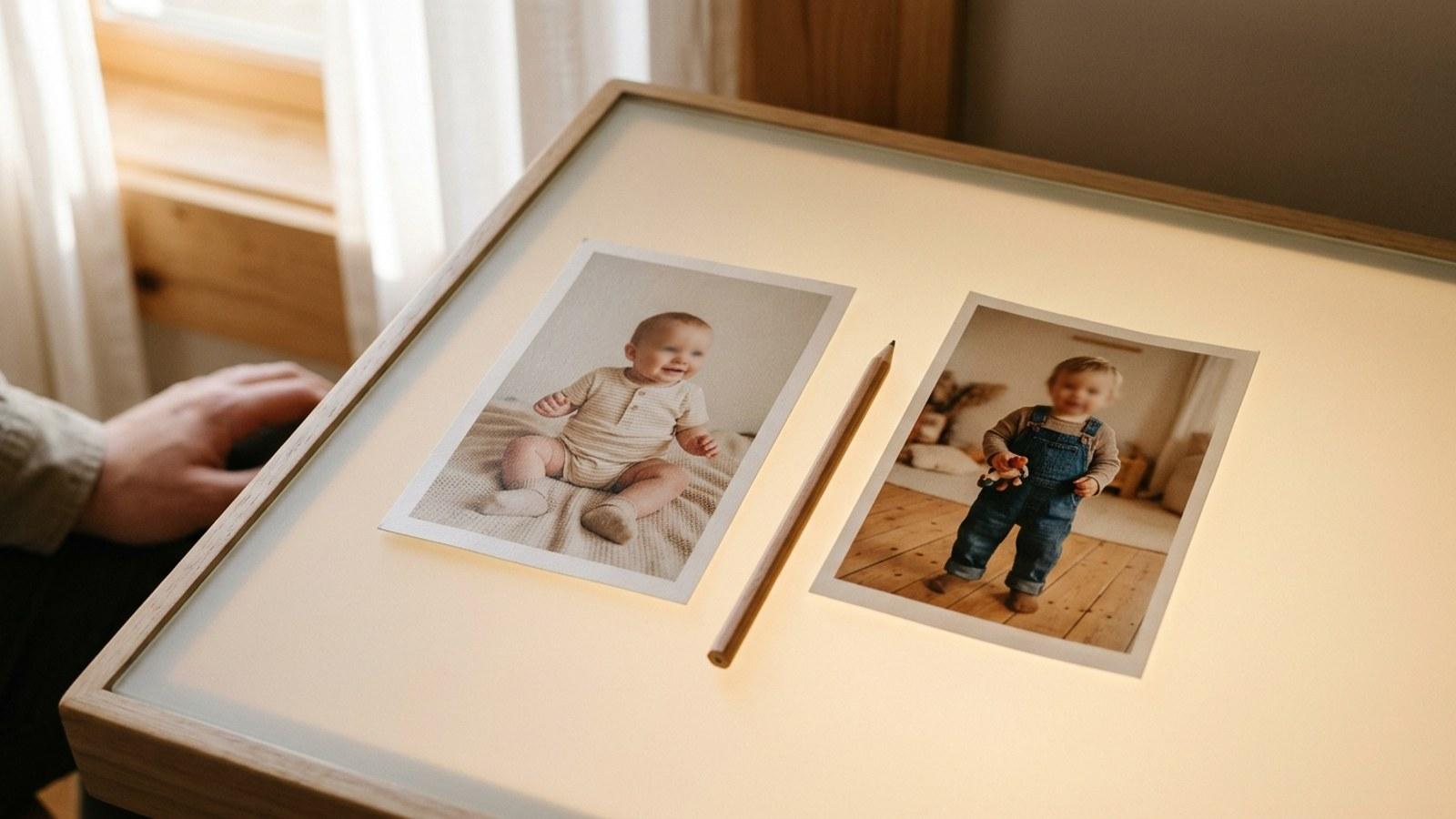
Two photos are two still moments. A regular slideshow fades from one to the other, and nothing moves. An AI photo transition fills the gap instead: a short clip in which the first photo appears to turn into the second, as if the camera had been running all along.
It’s worth being clear about what that clip is. It is not a recording of anything that happened. An AI model is given your two photos as the first and last frame of a short shot and generates the frames in between - its best guess at how one could become the other. Knowing that makes it much easier to choose photos that give good results, and to fix the ones that don’t.
What happens when a transition is made
In SunLap, each pair of neighboring photos goes through the same steps:
- An AI reads both photos and writes a short description of the motion that would carry the first into the second: what moves, in what order and what has to stay the same.
- That description comes with fixed instructions: keep the face recognizable, keep the camera still, change size, clothing and setting gradually and add no people or objects that aren’t in the photos.
- A video model then generates a 5-second clip that starts on the first photo and ends on the second.
Every pair is generated separately, so 13 photos make 12 transitions and about a minute of film. The clips are joined in order, with music and an opening title.
Why the result isn’t always natural
Because the in-between frames are invented, they can go wrong in ways a recording never would. The most common are a face that drifts and briefly looks like someone else; movement that looks odd, such as a limb bending the wrong way or a strange pause; and a background that warps instead of changing smoothly. Most transitions look fine. Some don’t, and the photos you choose make a big difference to how many.
Photos that work best
- A clear, sharp face, looking roughly toward the camera.
- One main subject, large in the frame - head and shoulders or the whole body, not a small figure in a big room.
- A similar angle and distance from one photo to the next.
- Similar light: daylight next to daylight, rather than a bright beach next to a dark restaurant.
- Photos cropped to the same shape, with the subject in about the same place.
This is why a consistent monthly photo gives smoother transitions than a random pick from the camera roll: the less there is to invent between two photos, the less can go wrong.
Photos that struggle
- A big change of angle, such as a side profile followed by a face looking straight at the camera.
- Small, distant or partly hidden faces, including sunglasses, hats and hands in front of the face.
- Blurry, very dark or heavily filtered photos, and old prints with glare or scratches.
- Crowded group photos, where the model has to decide who is who. Cropping in on the main person helps.
- Collages, screenshots and photos with text on them.
Different settings are fine - the scene changes gradually around the person - but the more that changes at once, the more the model has to invent. Old prints work better once they’re properly scanned with a phone. Occasionally the video model refuses a pair of photos under its own content rules; when that or any other failure happens, the transition is refunded automatically.
How to fix a transition you don’t like
First, check the order. A transition is only as good as the two photos on either side, so swapping one photo for a closer match often fixes it. If the photos are right, redo the transition. In SunLap you can say what went wrong - the face changed, the movement looked strange, the background warped or just try again - and the next attempt is written to avoid it. You can also choose a gentler or livelier motion.
What it costs to experiment
Your first film is free: two photos, one AI transition and one redo, with no credit card needed. It’s the easiest way to see how your own photos behave before deciding anything. Paid packs are one-time, with no subscription - $25 for a one-minute film (12 transitions), up to $125 for six minutes - and include as many redos as transitions. Failed transitions are refunded automatically, and there is a 30-day money-back guarantee.
If you would rather not use AI at all, a crossfade slideshow is a perfectly good alternative - see SunLap vs. editing it yourself in iMovie or CapCut, or the step-by-step guide to making a baby growth video either way.
Common questions
Are AI photo transitions real video?
No. They are generated by an AI model from two photos, which it uses as the first and last frame. The frames in between are invented, so they are an artistic picture of the change, not a recording.
How long is each AI transition?
Five seconds in SunLap. Every photo after the first adds one transition, so 13 photos make about a minute of film.
Why did the face change in my transition?
Usually because the two photos are quite different: another angle, other light or a small face. Swap in a closer photo, or redo the transition and mark that the face changed, so the next attempt keeps the face steadier.
Can I try AI transitions for free?
Yes. Your first film is two photos with one AI transition and one redo, free and with no credit card.
Test it on two of your own photos
Your first transition is free, so you can see how your photos look before deciding.
Create my free film →