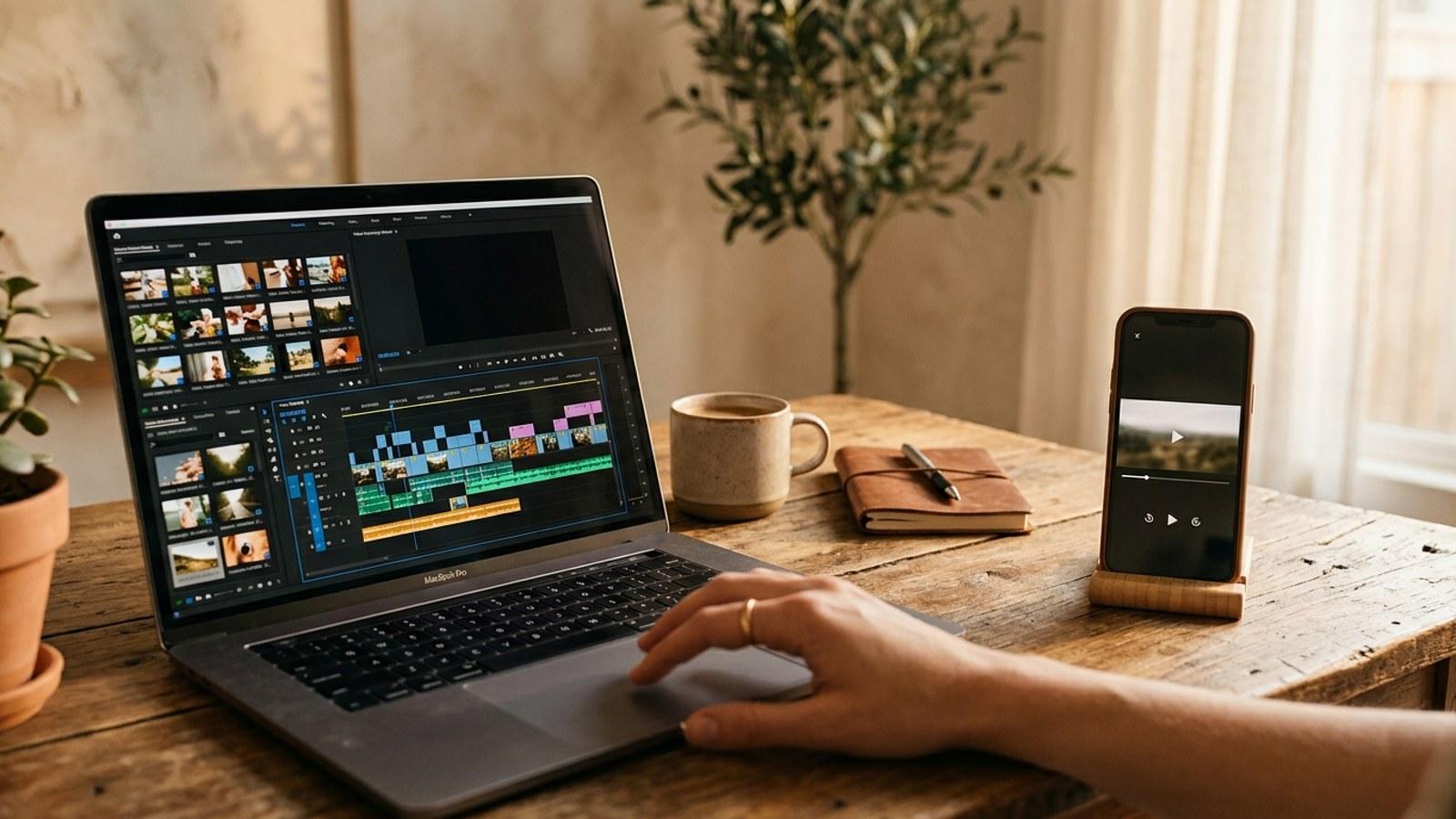
SunLap vs. Editing It Yourself in iMovie or CapCut
iMovie and CapCut are both solid, free video editors - plenty of parents use them to turn a year of baby photos into a slideshow set to music. The honest comparison isn’t “which app is better,” it’s “which result do you want, and how much time are you willing to spend getting there.” Here’s how they actually differ.
The core difference: slideshow vs. growth
In iMovie or CapCut, you’re building a photo slideshow. Each month’s photo appears on screen, then cross-dissolves or cuts to the next - the photo itself doesn’t move. SunLap generates a short AI video clip for every pair of consecutive photos, so instead of one still photo fading into another, your baby visibly transforms from one month into the next. It’s a different effect, not just a faster version of the same one - and it’s worth knowing that going in, since the AI clips are an artistic approximation of motion generated from two photos, not a real recording. There is more on that in how AI photo transitions work.
Side by side
| iMovie / CapCut (DIY) | SunLap | |
|---|---|---|
| Cost | Free (if you already have the app) | One-time pack, from $25 for a 1-minute film |
| Time to finish | A couple of hours, more if you're learning the editor | Minutes of choosing photos; the transitions generate in the background |
| Editing skill needed | Some - timeline, transitions, cropping, export settings | None - upload photos, pick a song |
| Transition between photos | Crossfade or hard cut - the photo doesn't move | AI-generated clip of your baby appearing to grow between each pair |
| Consistent cropping | Manual - you crop each photo yourself | Automatic, with a manual override if you want it |
| Output formats | Whatever you export, one at a time | Your choice of wide (16:9), 4:3, square, 3:4 or vertical (9:16) |
| Redoing a part you don't like | Re-edit that section of the timeline yourself | Tap redo on just that clip - included credits, more available in packs |
| Music licensing | Your responsibility if posting publicly | A built-in licensed library, or your own file (your responsibility if posted publicly) |
| Creative control | Full - any transition, effect, or song you want | Guided - one format built specifically for this kind of video |
When DIY is the better call
If you already know your way around a timeline editor, want full creative control over every transition and effect, or just enjoy the process, editing it yourself costs nothing but time. The step-by-step version is in how to make a baby growth video. It’s also the only option if you want something other than the growth-transition effect entirely - a straightforward photo slideshow, a montage with video clips mixed in, or a style SunLap doesn’t offer. If you’d like something automatic and free instead, see SunLap vs. Google Photos and Apple Memories.
When SunLap is the better call
If what you actually want is the “growing right in front of you” effect specifically, and you’d rather not spend an evening in an editor, that’s the gap SunLap fills - upload one photo per month, pick a song and a shape, and get the film with a private page to share it, redos included if a clip doesn’t come out right. It is a one-off project, not a running record - if you want the latter, see SunLap vs. baby journal apps.
Common questions
Can iMovie or CapCut make the growing effect?
Their standard tools join photos with a crossfade or a cut, so each photo stays still while the next one fades in. That is a good slideshow, but the baby doesn’t appear to change between months the way an AI transition shows it.
Is SunLap free?
Your first film is free: two photos, one AI transition and one redo, with no credit card needed. After that you buy a one-time pack - $25 for a one-minute film (12 transitions), $45 for two minutes, up to $125 for six - with no subscription.
What if an AI transition looks wrong?
You can redo it - redos are included with every pack, and a transition that fails to generate is refunded automatically. If you’re unhappy with a purchase, there is a 30-day money-back guarantee.
Are the transitions real video of my baby?
No. They are generated by AI from two photos, an artistic picture of the change between them, and they don’t always look natural. That is why it is worth previewing each one and redoing any you don’t like.
See the effect before you decide
The landing page has a sample film so you can judge the AI transitions for yourself.
Watch the example →