SunLap vs. Baby Journal Apps
Baby journal apps and SunLap get compared a lot, but they’re built to solve different problems. It’s less “which is better” and more “which one matches what you’re actually trying to do” - and for a lot of parents, the honest answer is both, for different reasons.
Two different jobs
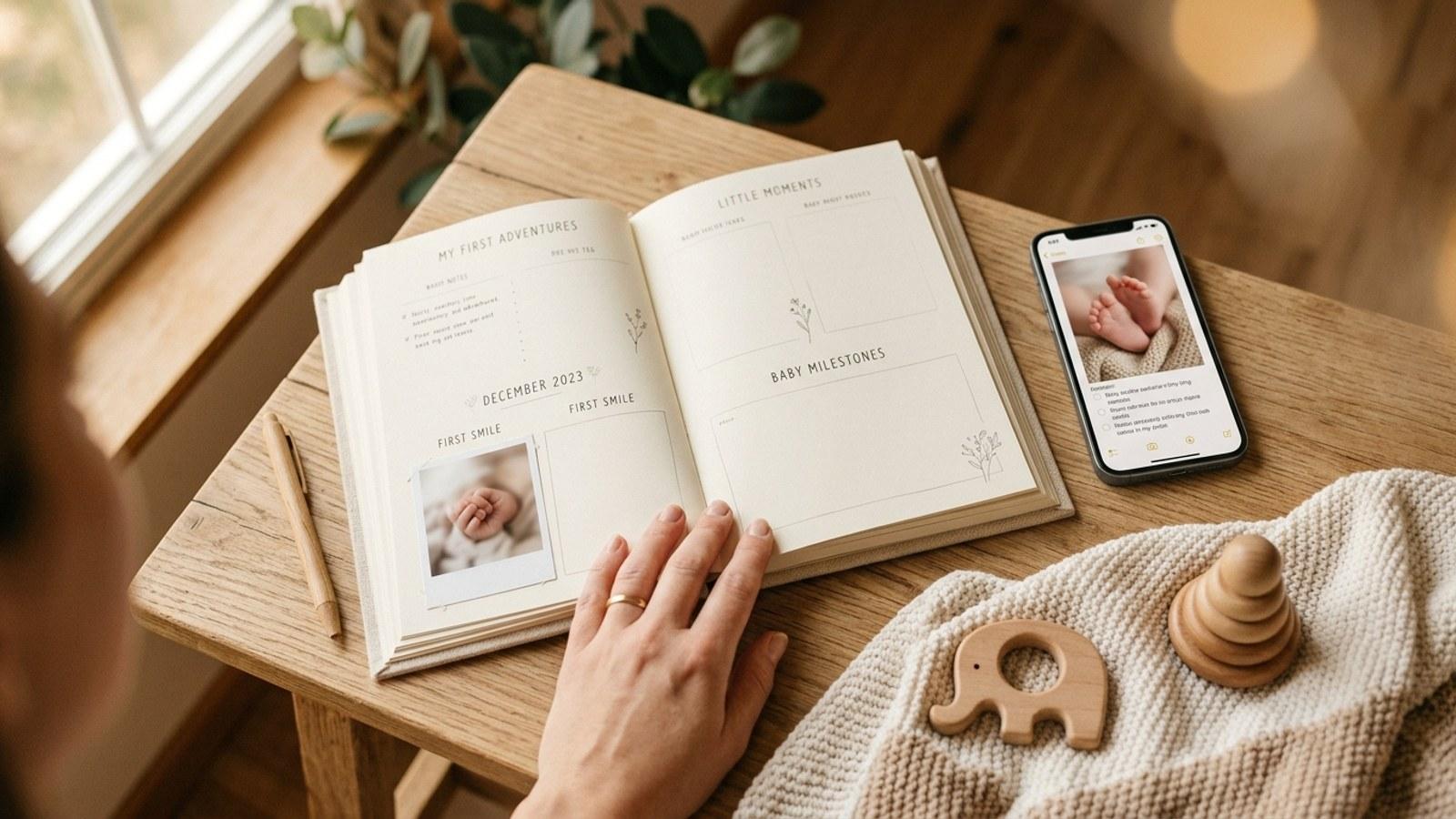
A baby journal app is built for the ongoing habit of logging: you take a photo, jot a milestone, check a growth chart, and family members follow along over months or years. It’s a running record that grows with your child. SunLap is built for one specific output: a short film that compresses a full year into about a minute, with your baby’s photos turned into AI-generated growth transitions. It’s not a place to log day-to-day moments - it’s a single project you finish once, typically to share or watch on a birthday.
Side by side
| Baby journal app | SunLap | |
|---|---|---|
| What you get | An ongoing log of photos, milestones, and growth stats | One finished ~1-minute growth film |
| Business model | Usually a subscription | One-time purchase per film |
| Time horizon | Ongoing - you keep adding to it | A single project: upload, generate, done |
| The photos themselves | Stored and organized as-is | Turned into AI-generated transition clips between months |
| Who it's for | Parents who want a running record and reminders to log milestones | Parents who want one shareable film for a birthday, gift, or memory |
| Sharing | Usually a family feed other users check over time | One private link that plays the finished film |
A common pattern: use both
Plenty of parents keep a journal app running in the background all year for the day-to-day record, then pull twelve or so of those photos - one per month - into SunLap specifically to make a first-birthday film. The journal app is where the moments live; SunLap is what turns a year of them into something you’d actually show people at a party.
If you only want one
If what you want is a habit and a running archive, a journal app fits better. If you’d rather build the film yourself, see how to make a baby growth video and SunLap vs. iMovie or CapCut. If what you want is one finished film - for a first birthday, a gift, or just to have - SunLap is built specifically for that, start to finish, with no editing once your photos are uploaded.
Common questions
Do I need a baby journal app to make a growth film?
No. Any photos work, wherever they are stored. If you can save a photo to your phone or computer, you can use it in the film.
Is SunLap a subscription?
No. After that you buy a one-time pack - $25 for a one-minute film (12 transitions), $45 for two minutes, up to $125 for six - with no subscription.
What happens to my baby’s photos?
They are used only to make your film, and you can delete them at any time.
Already have the year of photos?
You don’t need a journal app to use SunLap - any 13 photos from your camera roll work.
Make the film →