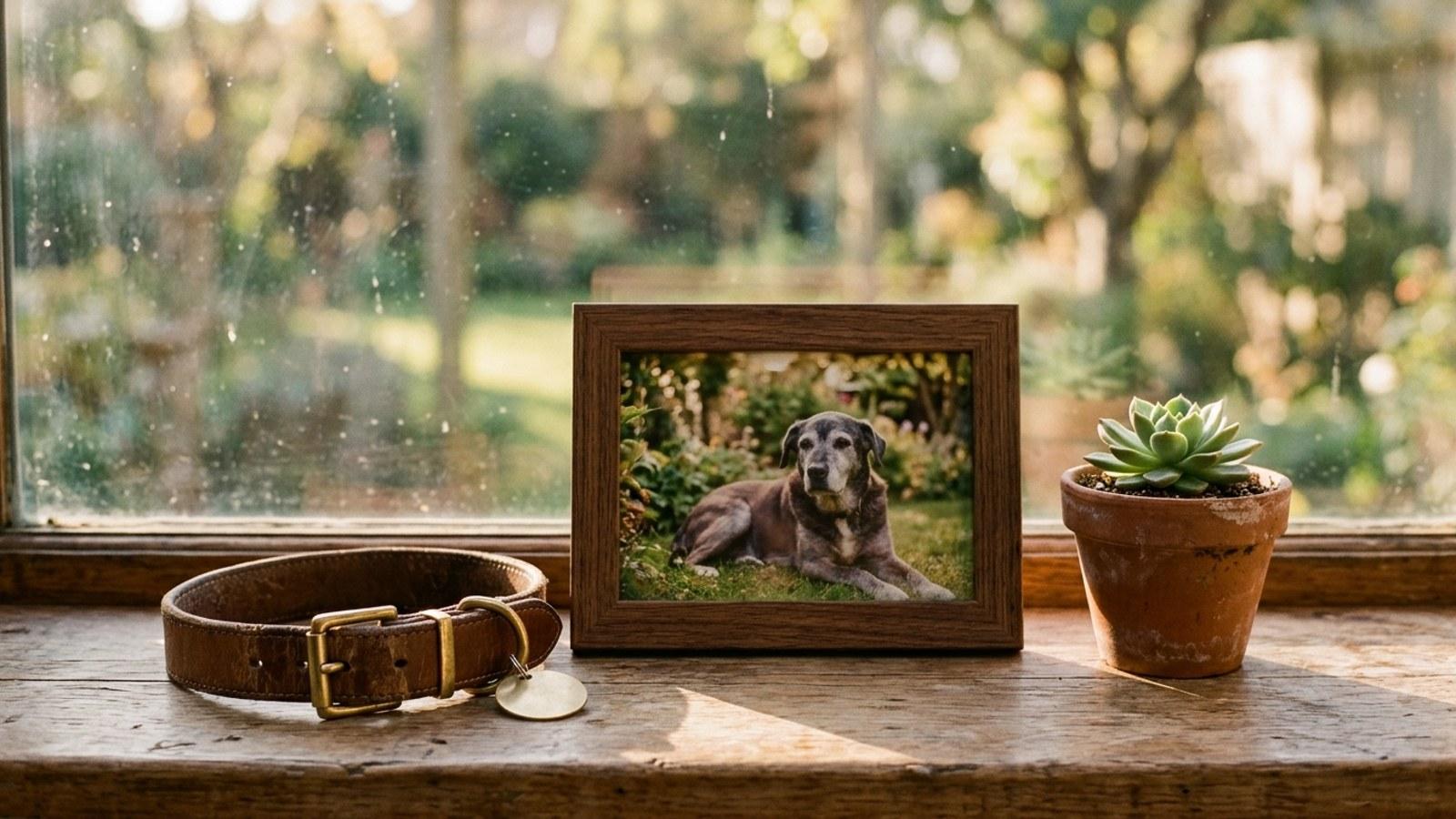
Pet Memorial Video Ideas: Remembering a Dog or Cat
Losing a pet is losing a member of the family, and the photos on your phone suddenly matter a great deal. Making a short memorial video is one way to do something with them. Going through the photos is hard, but many people find that it helps, and the film is something the whole family can keep. There is no right time to make one. Some people do it in the first week, others wait a year.
Ideas for the film
1. Their whole life, first day to last
One photo from each stage: the day they came home, the awkward teenage months, the grown years, the grey muzzle. In order, it becomes the story of a life. Twelve to twenty photos is enough. You don’t need one from every year.
2. Their favorite places
The spot on the sofa, the park, the car window, the patch of sun on the floor. A film built from the places they loved says more about who they were than a set of posed portraits.
3. With each person in the family
One photo of them with each family member. This works well when the film is for a family to watch together, because everyone sees their own time with the pet in it.
4. The ordinary days
Sleeping, waiting by the door, begging at the table. The everyday photos are often the ones you end up treasuring, so don’t skip them in favor of the birthdays and holidays.
Choosing the photos
Include the imperfect ones. A blurry photo of a dog mid-run can be more like them than a sharp one of them sitting still. Ask the rest of the family for their photos as well, since everyone has a few that nobody else has seen. Most phones can find every photo of a pet for you - there are tips in how to make a puppy growth video.
Music and length
Keep it short: one to two minutes. Choose music that fits who they were, which is not always something sad. A cheerful song for a cheerful dog is fine. An opening title with their name and years is a simple, fitting start.
Making it
Any video editor can join the photos with soft crossfades. SunLap takes a different approach: it makes a 5-second AI transition between each pair of photos, so your pet appears to grow from one photo into the next. It is worth knowing what that is before you choose it. The transitions are generated by AI from your photos. They are an artistic picture of change over time, not real footage, and they may not match every detail of your pet. You can see the first transition for free, and redo any transition that does not feel right with a gentler motion.
Sharing it
A memorial film is usually for a small circle: the family, the friend who looked after them, the vet who knew them for years. A private link lets you send it to exactly those people, and you can turn the link off later. If you are making it for a friend, a donation to a shelter in the pet’s name is a kind thing to send with it, as in these gift ideas for pet lovers.
If you are also remembering a person, there is a separate guide to making a memorial video for a loved one.
Common questions
How long should a pet memorial video be?
One to two minutes is usually right. Twelve to twenty photos is enough to tell their story without needing one from every year.
What music suits a pet memorial video?
Whatever fits who they were. A quiet song is fine, and so is a cheerful one for a cheerful dog. If you will only share it privately, any song that means something to your family works.
Can I use old or blurry photos?
Yes - often those are the most like them. AI transitions work best when the face is clear, so preview them first, and use a simple slideshow instead if they don’t feel right.
Can I keep the video private?
Yes. Share it as an unlisted link with only the people you choose, or keep it to yourself.
Take your time
When you are ready, upload the photos in order. The first transition is free to see.
Make a pet film →